Listen to a chapter, and entry snapshots
New
- Listen
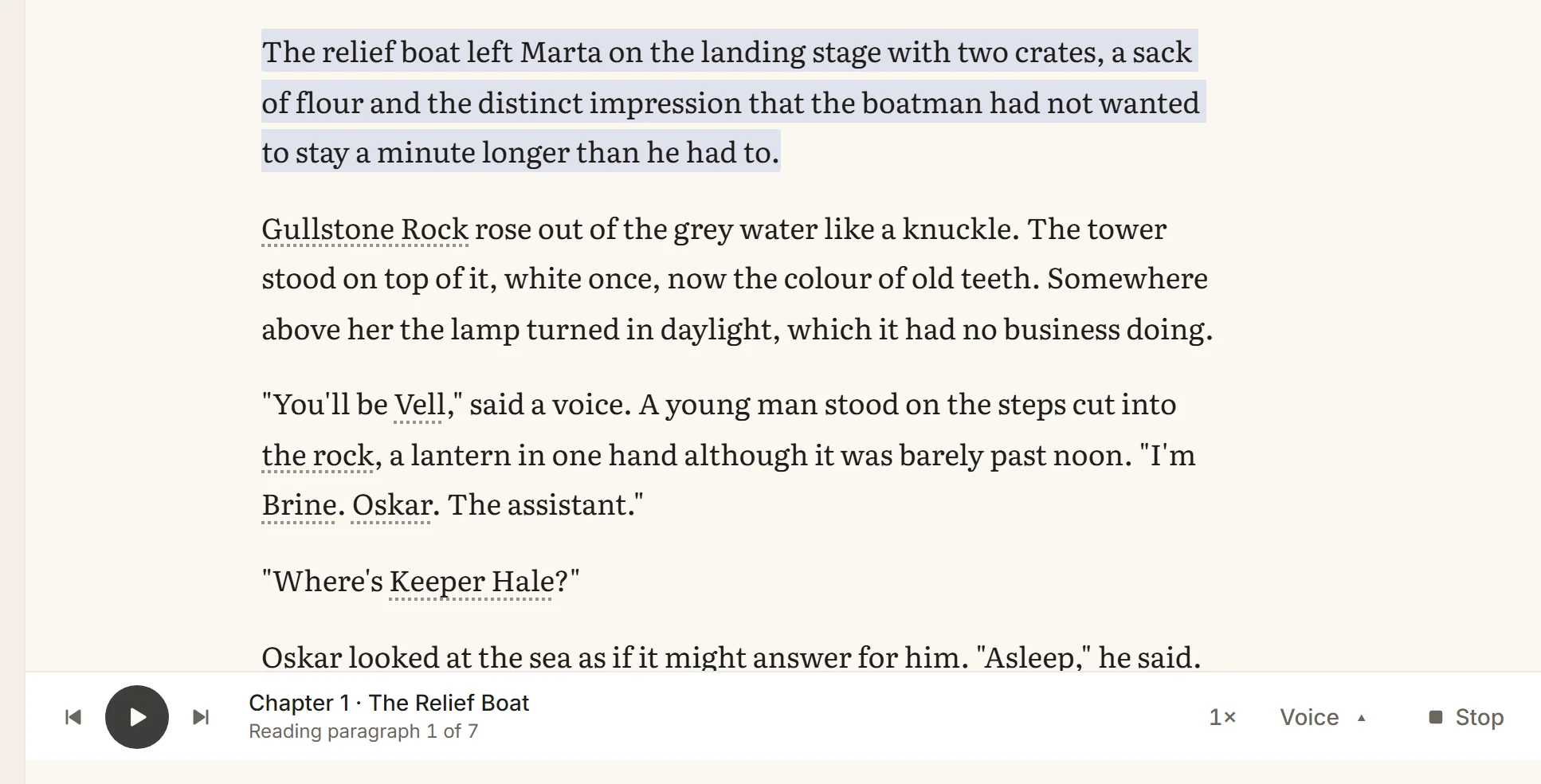
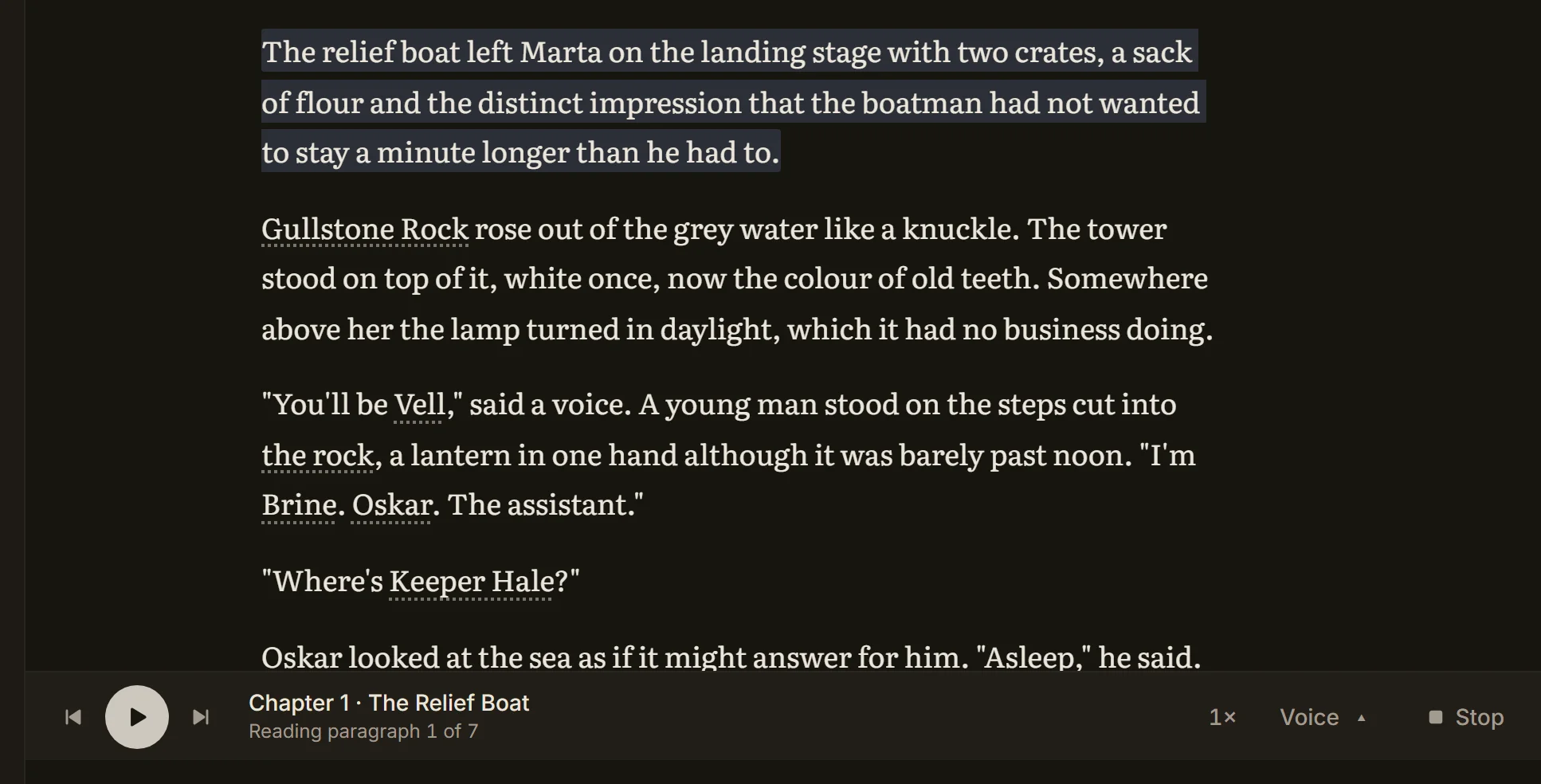
The headphones button reads a chapter aloud in your browser's voice, highlighting each sentence as it goes. In the reader view it carries on into the next chapter; in the desk it reads other writers' edits as they land, and Esc stops it with your caret where it left off. The player skips by paragraph and sets the speed and voice.
- Character voices
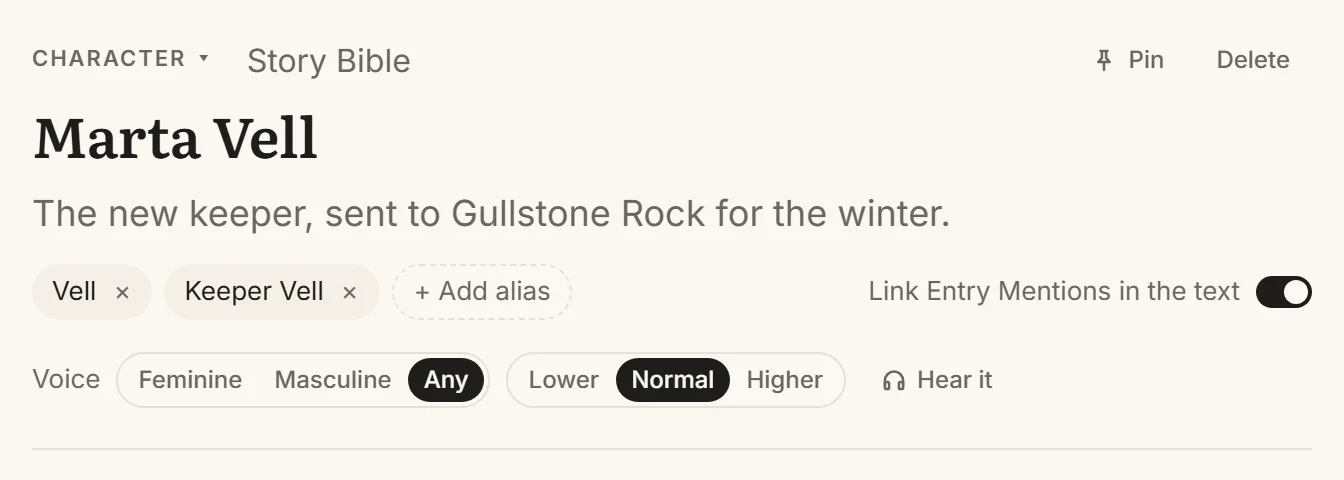
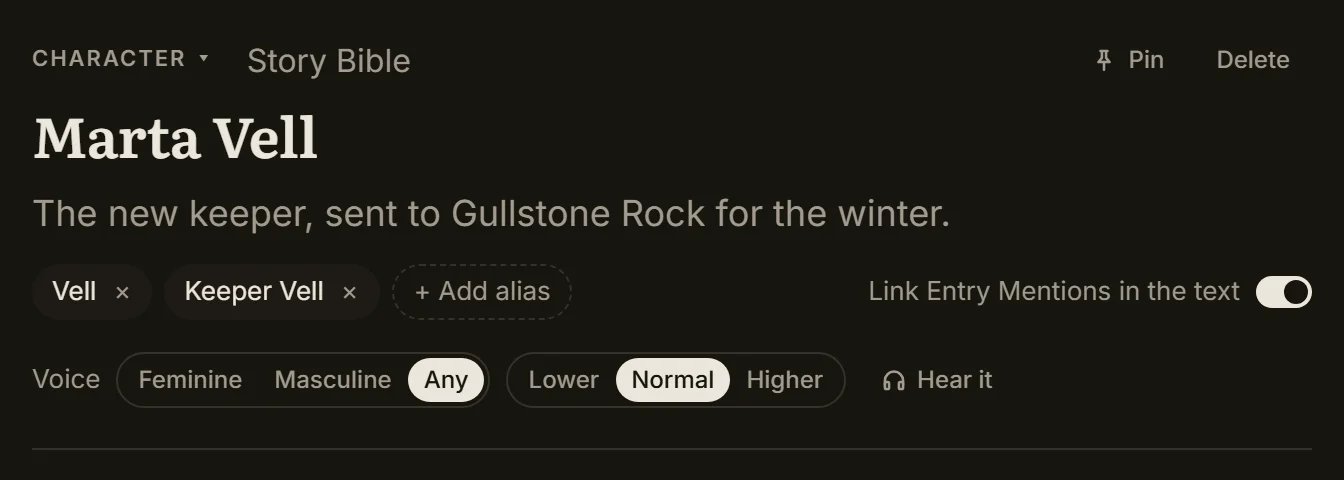
A character's entry has a voice and pitch you can hear from the entry page. Their dialogue is read in that voice, in a script or in quotes in prose, where a speech tag like "Marta said" tells who's talking. The voice menu lets you give any character a different voice, just for you.
- Entry snapshots
Story bible entries have the same snapshots, history, compare, and restore as chapters, for the host and co-hosts. Lists in the compare keep their bullets and numbers, and renumbering doesn't count as a change.